
Moviebox Pro APK Safety: Checks for an Android Package
Independent editorial guidance on compatibility, device settings, safety, and responsible use.
Before opening an Android package labeled Moviebox Pro, establish where it came from and whether the publisher authorizes that exact distribution route. Review the package details and pay attention to warnings and permission prompts. This independent guide explains how to assess provenance, what file and signature checks can tell you, and where to verify that the movies or series you intend to watch are licensed in your country.
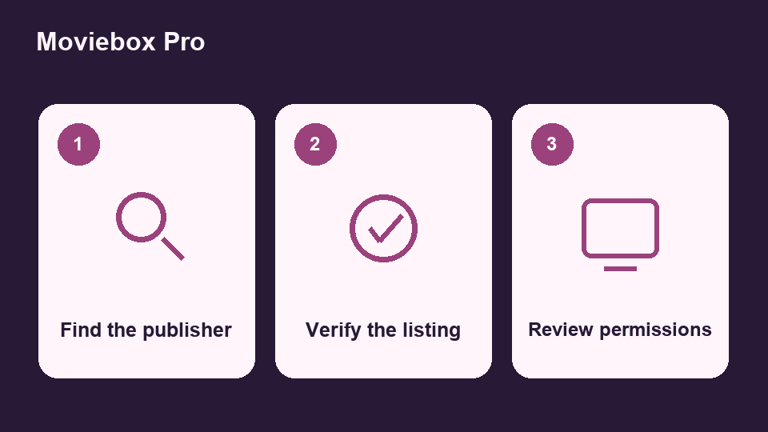
Establish the source before opening the file
Start at a trusted app store listing, if available, and inspect the developer or seller field and the listed support contact. Look for a corresponding link or distribution statement from the publisher. If the publisher provides an APK directly, its documentation should identify the download location and explain how the release is distributed. Verify the source before following installation instructions or giving the installer extra access.
Suppose an Android file arrives in a group chat with a familiar app icon and a convincing filename. Set it aside. Search results and chat attachments may repeat the same label without establishing who created the package. If you can independently identify the publisher, ask whether it distributes APKs and which channel it authorizes. A publisher can also clarify whether its authorized storefront depends on the country or device.
Compare file information with publisher records
A filename is editable. A package identifier is useful for comparison, and a signing certificate helps establish continuity with a trusted release. If the publisher documents an identifier, certificate fingerprint, or checksum for the exact APK, compare like with like. A SHA-256 file checksum describes the package bytes. A SHA-256 certificate fingerprint identifies the signing certificate. Copying one into a field for the other will produce a meaningless comparison.
For example, if the publisher posts a checksum for a specific file, calculate the checksum locally with a built-in tool and compare the entire value. A difference means the file differs from the one described by that record. Stop and ask the publisher. Even an exact match establishes only that the bytes match the reference you relied on, so obtain that reference through the verified publisher. If the publisher provides no comparison values, rely on an authorized storefront or another channel it directly confirms.
Take Android warnings and permission requests seriously
Keep your device’s security protections enabled, including Google Play Protect where available. If Android flags a package, record the warning text and leave the installation on hold. Ask the publisher for guidance through its verified support channel. Avoid fixing an update error by uninstalling a working app on the spot. You could lose local data, and a signing conflict or a different package identity deserves clarification before you proceed.
If you install through an authorized channel, review the permissions the app requests as you use it. Ask how each permission relates to the action you initiated. For instance, a request to read contacts while you are simply trying to start a video warrants a closer look at the publisher’s documentation. Decline access you cannot account for. If you already installed a package from an uncertain source, uninstall it, run the device’s security checks, and review any account used in the app from a trusted device.
Verify streaming rights separately from file integrity
An intact APK does not establish where a movie can be streamed. Check the rights holder’s viewing information for the exact title and territory. You can start with the studio’s release page, a broadcaster’s authorized catalog, or the regional distributor’s support team. Compare the service name listed by that source with the service you intend to use.
For example, a film’s distributor may identify different platforms in the United Kingdom and the United States. Use the source for the country where you are watching and check the exact release or season. If the rights holder’s public information is unclear, ask it to confirm the local viewing option. Proceed only when you can trace both the package’s distribution and the title’s availability to the appropriate authorized sources.
Next step